Every PDF tool.
Zero document uploads.
Read, organize, compress, convert, merge and protect PDFs in one focused Windows app. Your documents stay on your computer.
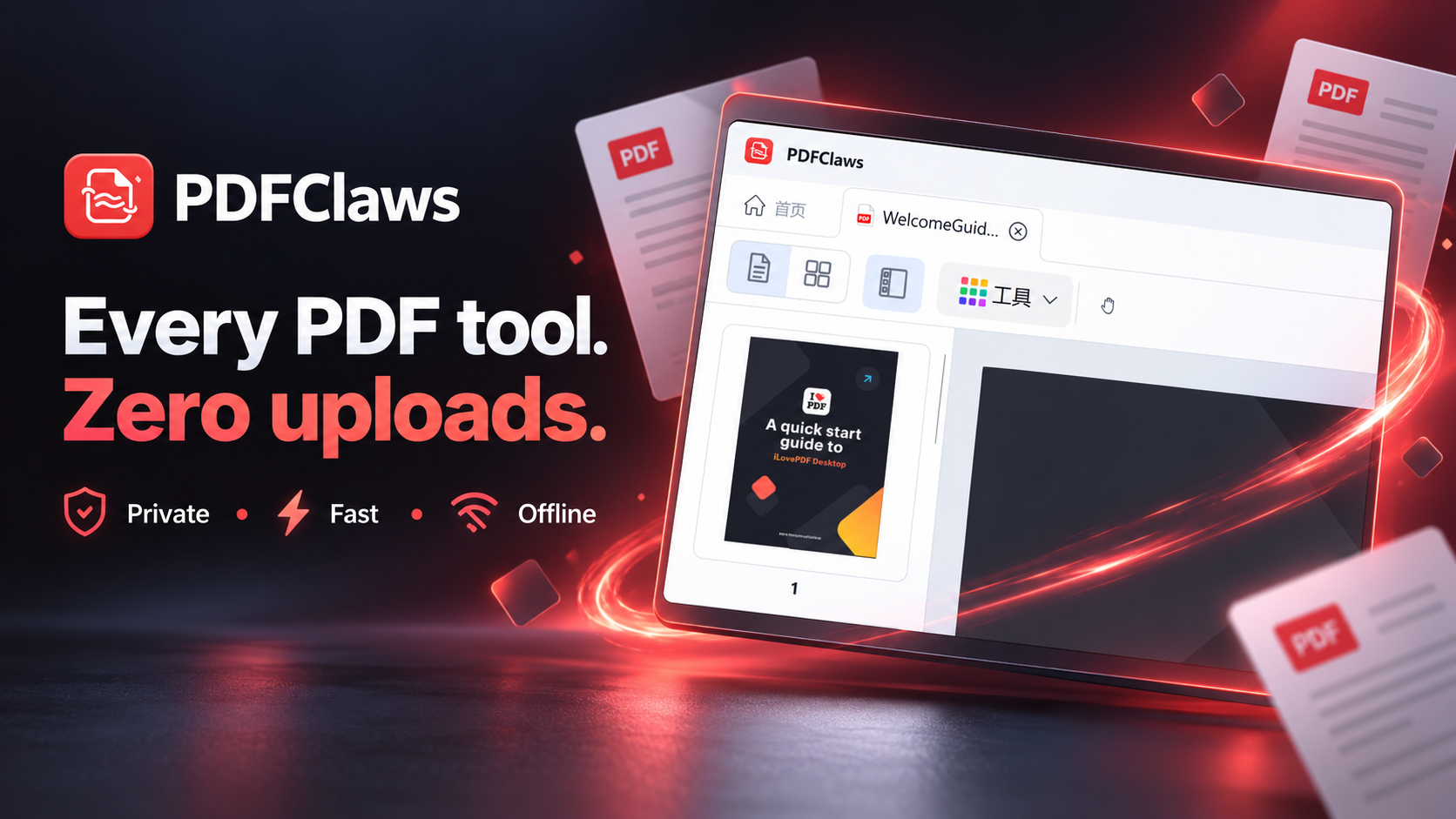
One focused desktop app
A complete local PDF workspace
Choose a tool, drop in your files, and keep the entire workflow on your own machine.
Compress PDF
Shrink PDF file size by up to 90% while keeping quality.
Learn morePDF to Image
Export PDF pages as crisp JPG or PNG images.
Learn moreImage to PDF
Combine JPG, PNG and more into a single PDF.
Learn moreEncrypt PDF
Password-protect PDFs with AES-256 encryption.
Learn moreDecrypt PDF
Remove passwords from PDFs you own — instantly.
Learn moreMerge PDF
Combine multiple PDFs into one organized file.
Learn more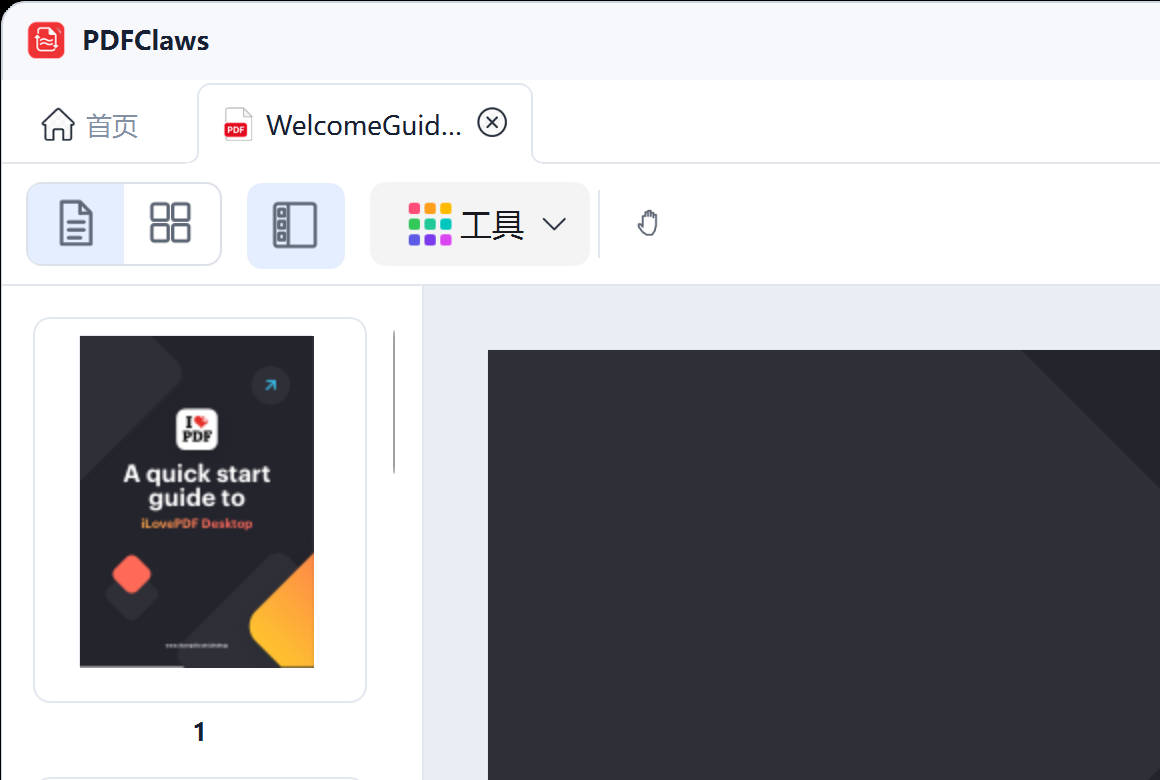
Built from the real product
View pages. Reorder them. Then finish the job.
The website now reflects the actual Release app: a native viewer, thumbnail navigation, page-management mode, compression, conversion, encryption, decryption and merging.
- Documents are processed locally.
- Native Qt interface with no browser upload step.
- Optional account sign-in and subscription sync.
Monthly
$1.99
Flexible support with a synced Plus entitlement.
Yearly · best value
$9.90
A full year for less than five monthly payments.
FAQ
PDFClaws FAQ
Are all desktop features available to free users?
Yes. During the current open-access period, Free and Plus accounts can use every PDFClaws desktop feature. The app detects subscription status but does not lock tools yet.
Why offer a Plus subscription?
Plus supports ongoing development and gives you a synced paid entitlement. It costs $1.99 monthly or $9.90 yearly and can be managed through Paddle.
Are PDF files uploaded?
No. PDF reading, page operations, compression, conversion, merging and protection run locally. Account and billing requests never contain your documents.
Which platforms are supported?
The current release is a native 64-bit app for Windows 10 and Windows 11.